install.packages("tinytex")4 Rendering Quarto PDFs with Tinytex
4.1 Rendering PDFs in Quarto
In order to create PDFs with quarto, we need to have a LaTeX installation on our computer. LaTeX is a type of programming language used for typesetting pdf documents. The easiest way to get this working for Quarto is by installing a peice of software called ‘Tinytex’, which is a lighweight version of LaTeX.
4.2 Method 1 - Install via the tinytex R package
Open Rstudio, and run the code below in the console to install the tinytex R package
Once the package is installed, run this code in the console
tinytex::install_tinytex()This will download tinytex and install it on your computer. Once the installation is complete, you should now be able to render pdf files in Quarto.
4.3 Method 2 - Install tinytex via Terminal in RStudio
If you have any issues with the first method, an alternative way of installing tinytex is by using the terminal within RStudio.
Step 1
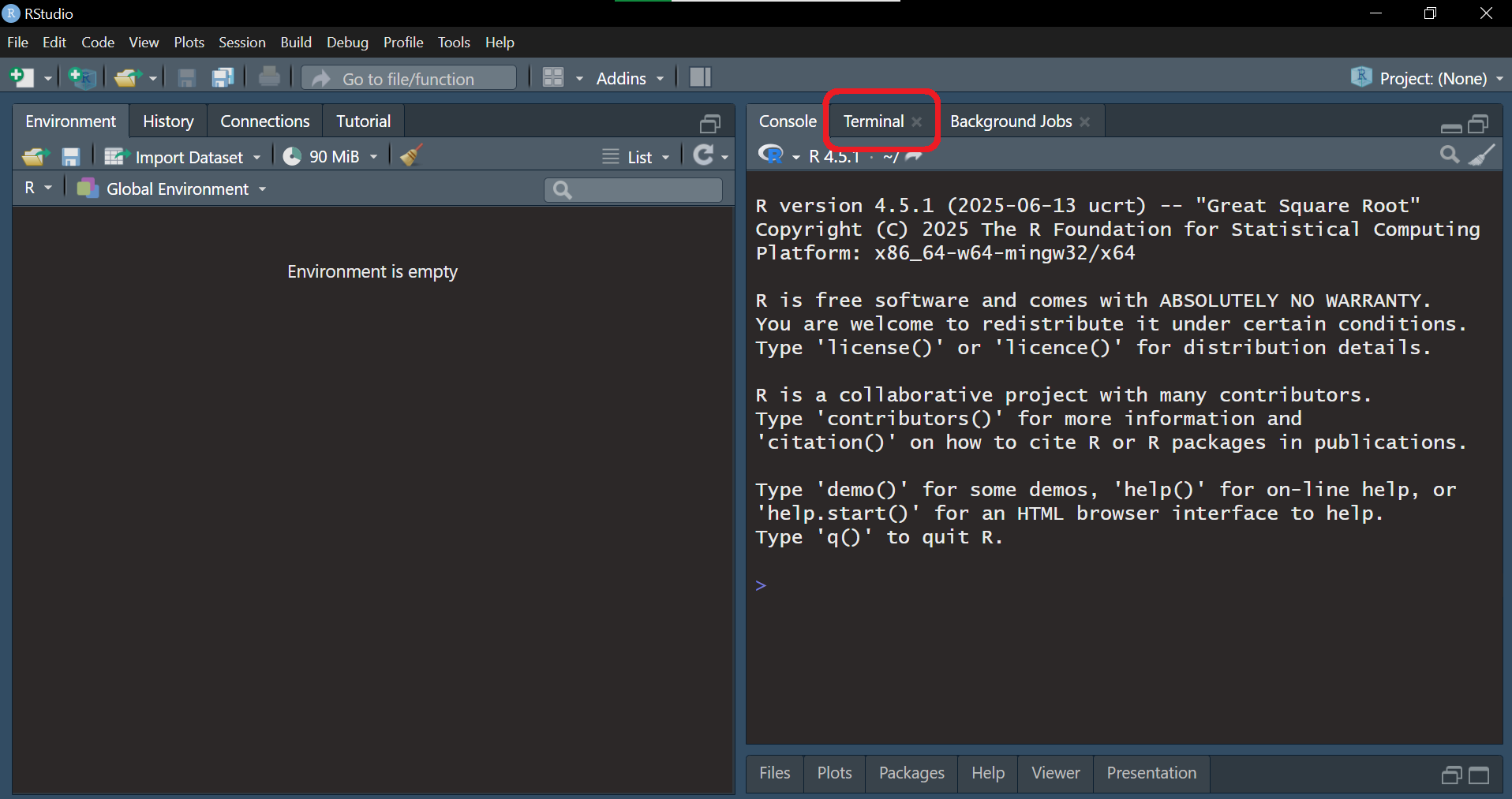
Open RStudio, and click the ‘Terminal’ tab in the console window.
Step 2
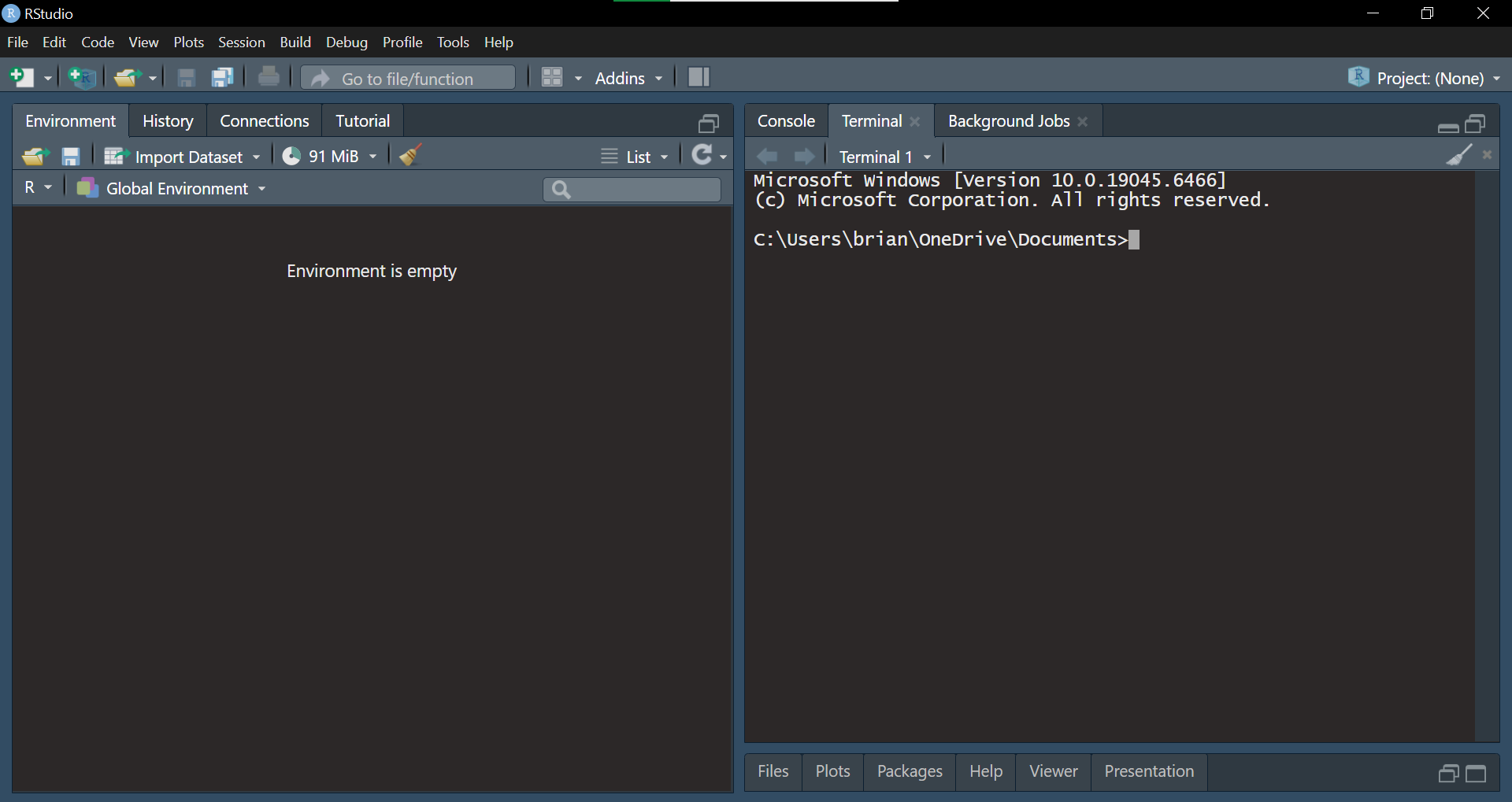
You should see a window that looks like this, with a flashing cursor (the filepath that is shown here will be different on your computer).
Step 3
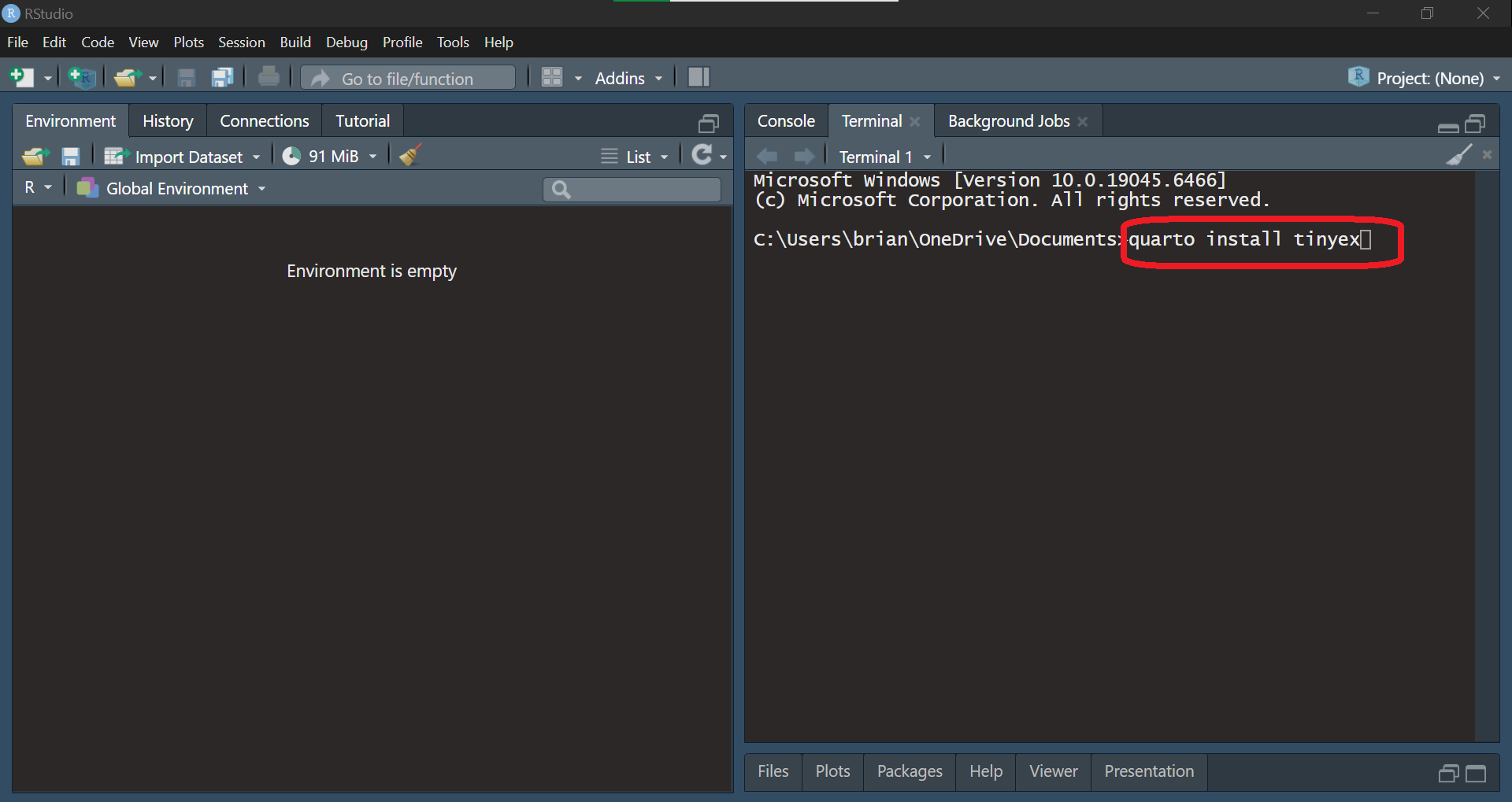
Type ‘quarto install tinytex’ and press enter.
Step 4
Tinytex will then download and install to your computer. Once complete, you can now render pdf files in quarto.
Step 5
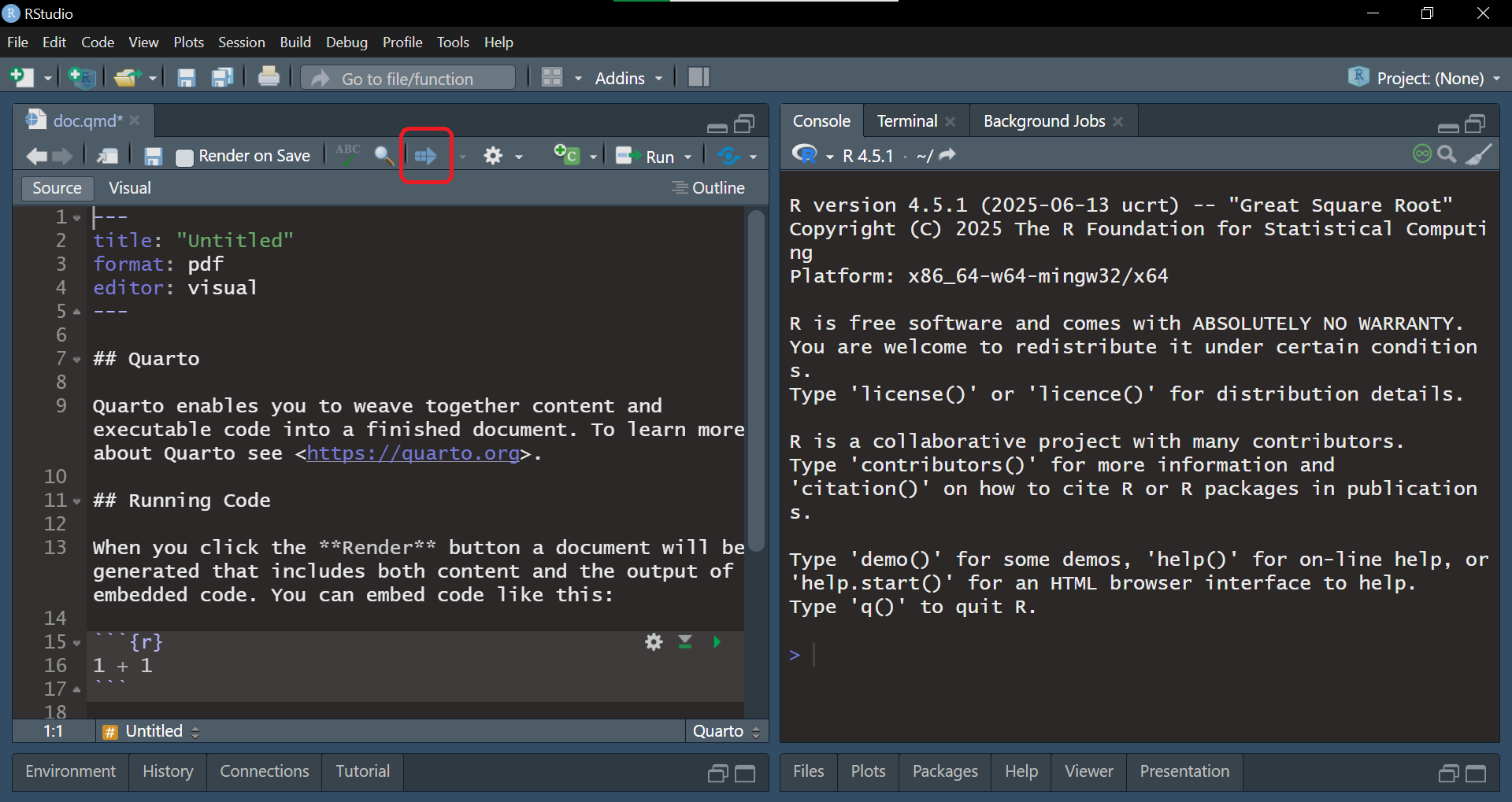
If the file renders correctly, it should look something like this.
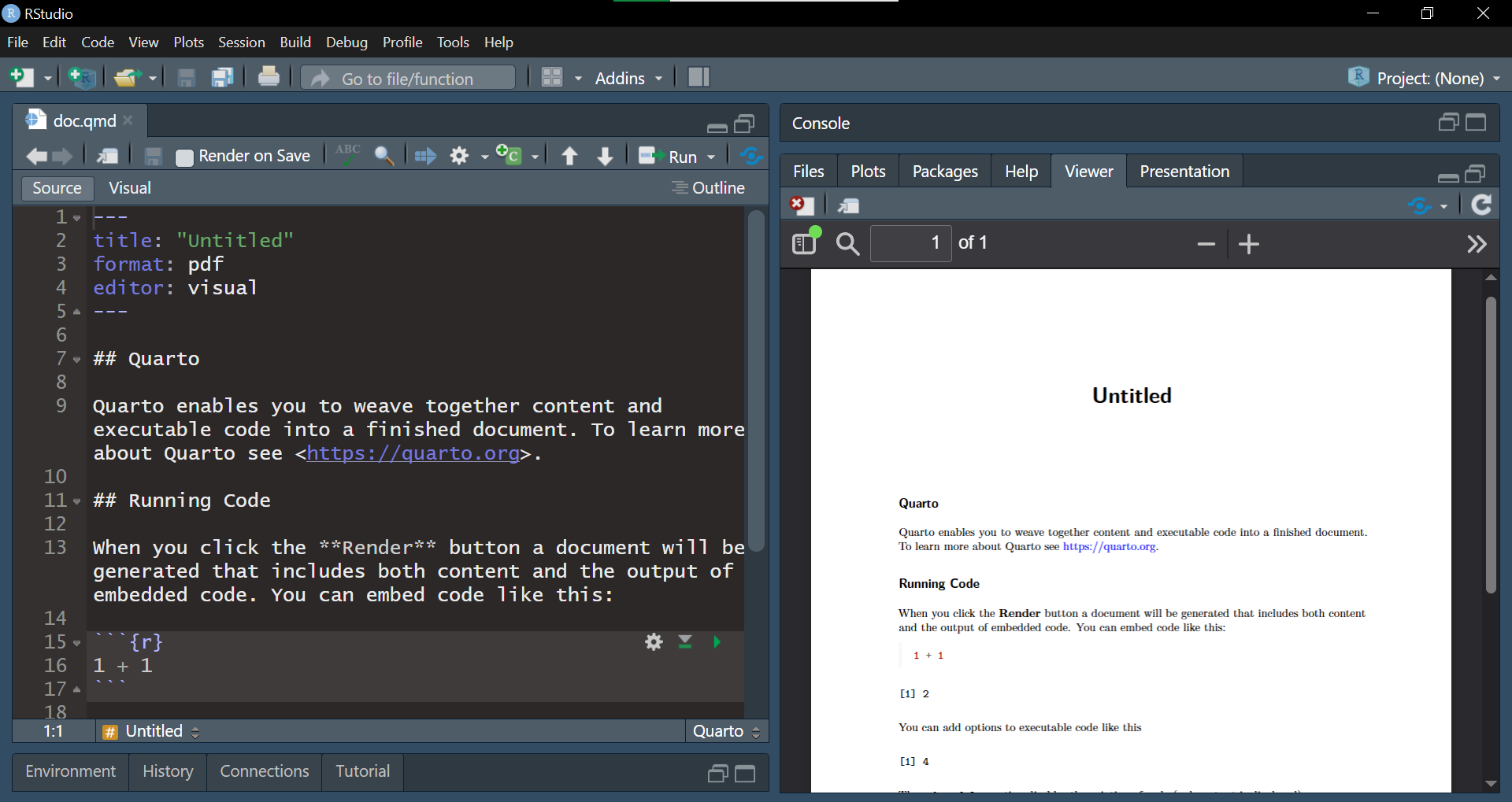
We can now create pdf files with Quarto!